
Compare the finished analysis before you choose a platform
See the report CodePulse produces from read-only GitHub workflow data, or connect your own repositories and evaluate the fit with real evidence.
Read-only GitHub · Your code stays yours · Team-level by default · No credit card
You're searching for a "Pluralsight Flow alternative," which means something isn't working. Maybe it's the pricing ($38-50/contributor/month adds up fast), the leaderboards that rank engineers and erode trust, or the fact that the product has changed hands four times in six years (GitPrime to Pluralsight to a creditor consortium to Appfire as of February 2025) while development has stagnated. This guide helps you figure out whether a switch makes sense.
Update: Appfire has confirmed Pluralsight Flow is being retired. Renewals ended June 30, 2026, and the product reaches end of life on December 31, 2027. See the full side-by-side comparison - sunset dates, pricing math, and an honest decision guide.
"Pluralsight Flow is optimized for large engineering organizations. If you're a smaller team paying enterprise prices, you're subsidizing features you don't need."
Pluralsight Flow (formerly GitPrime) has been in the engineering analytics space since 2015. It's battle-tested and feature-rich. But it also carries the weight of enterprise software: complex pricing, delayed data updates, and an interface that can feel like it's designed for executives rather than engineering managers.
Specifically researching GitPrime (now Pluralsight Flow) and what teams move to instead? See our dedicated GitPrime alternative guide.
Let's honestly compare the trade-offs.
The Honest Comparison
Here's what each tool actually does well, based on documented features and real pricing:
| Aspect | Pluralsight Flow | CodePulse |
|---|---|---|
| Primary bet | Enterprise reporting and analytics | Team-focused actionable insights |
| Pricing | $38-50/contributor/month (annual) | Free tier + affordable per-seat |
| Minimum viable team | Optimized for 25+ developers | Works for teams of any size |
| Setup time | Days to weeks | 5 minutes (GitHub OAuth) |
| Data freshness | Reports update with delay | Near real-time updates |
| Git providers | GitHub, GitLab, Bitbucket | GitHub only |
| Leaderboards/ranking | Yes (ranks by commits, impact, efficiency) | No individual rankings |
| Developer recognition | Limited | 15 positive award categories |
| Code health | Code churn, commit risk | File hotspots, knowledge silos |
| Philosophy | Visibility for management | Anti-surveillance, team-focused |
| Ownership stability | 4 ownership changes in 6 years (GitPrime, Pluralsight, Vista/creditors, Appfire) - then EOL | Stable, independent |
| Identity management | Manual curation required for committer identities | Automated developer identity resolution |
| Data export | Limited export capabilities | CSV export built-in |
/// Our Take
Pluralsight Flow is built for enterprise reporting. If you need to show metrics to the C-suite across 100+ engineers, it does that well. But if you're an engineering manager trying to improve your team of 5-50 engineers, you're paying for complexity you don't need.
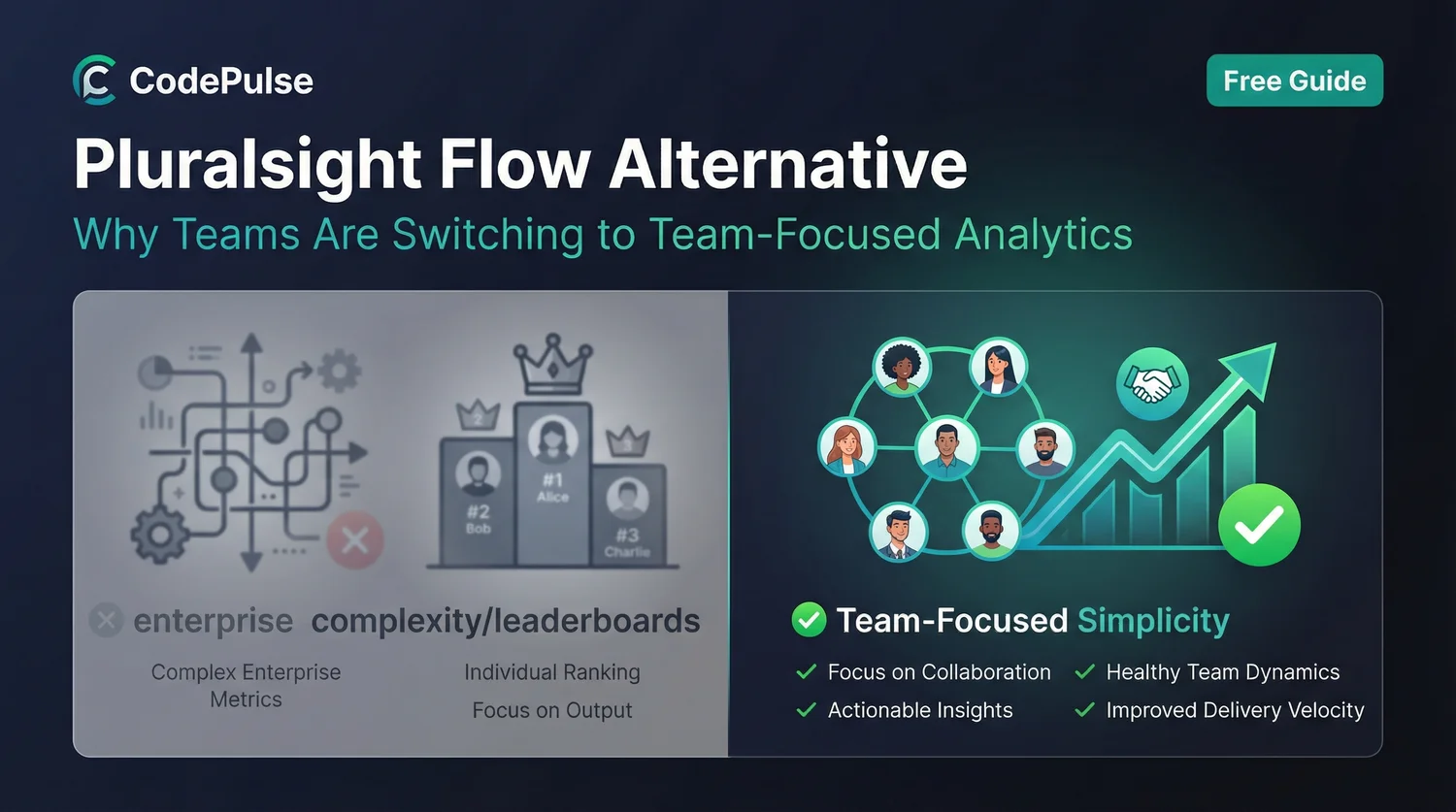
The leaderboard functionality - ranking engineers by commits and efficiency - is a design choice that reveals priorities. We built CodePulse specifically to avoid individual rankings because they destroy collaboration and trust.
Choose Pluralsight Flow If...
Be honest about what you're optimizing for. Pluralsight Flow makes sense in specific situations:
- You're a large enterprise (100+ engineers) with dedicated tooling budget and need cross-platform analytics (GitLab, Bitbucket, Azure DevOps)
- Executive reporting is the primary use case - you need polished dashboards for board meetings and investor updates
- You need multi-Git-provider support - if teams use different Git platforms, Flow's broader integration matters
- Investment insights matter - tracking where engineering time goes across new work vs. maintenance at portfolio scale
Choose CodePulse If...
CodePulse makes different trade-offs that work better for different teams:
- You're a smaller team (5-50 engineers) where per-seat pricing adds up and enterprise features go unused
- You're GitHub-only - no need to pay for integrations you won't use
- You want fast setup - 5-minute OAuth vs. weeks of configuration
- Team health matters more than executive dashboards - you want to improve your team, not just report on it
- Anti-surveillance philosophy resonates - no individual rankings or "productivity scores." See our guide on measuring team performance without micromanaging
- Real-time data matters - you need to see what's happening now, not what happened last week
The Pricing Math
Let's be concrete about costs. Pluralsight Flow's pricing structure works against smaller teams. For the line-by-line breakdown of Flow's tiering, enterprise floors, and common procurement outcomes, see our Pluralsight Flow pricing review.
Cost Comparison (Annual)
| Team Size | Pluralsight Flow (Core) | CodePulse |
|---|---|---|
| 10 engineers | $4,560/year | Free tier covers basic needs |
| 25 engineers | $11,400/year | Significantly less |
| 50 engineers | $22,800/year | Still affordable |
Pluralsight Flow doesn't offer a free trial of premium features, making it hard to evaluate before committing to annual contracts.
What Pluralsight Flow Users Are Saying
We reviewed feedback from Capterra, Hacker News, TrustRadius, Trustpilot, and industry forums. Pluralsight Flow (formerly GitPrime) has the most candid public feedback of any tool in this category, and the patterns are stark.
Surveillance and micromanagement are the core concern
"I used to work at a company which used GitPrime... it lacks any context. The easiest way to rank well was to avoid complex work, never fix bugs requiring investigation, never help junior team members, and instead focus on simple work and trivial refactoring."
-- Software engineer on Hacker News
Multiple Hacker News contributors describe GitPrime/Flow being used for stack ranking. One tech lead shared that as someone focusing on pairing and guidance, "commits were low but impact was high," yet this "counted against me during promotion review." Another commenter noted that such metrics "pretty much end mentoring, documentation and deep debugging" -- and successfully recruited five senior engineers away from the company using these practices.
"Not a fan of GitPrime. It's built for micro managers, measures mostly meaningless metrics."
-- Developer on Hacker News
Metrics can be gamed and mislead
The churn metric is particularly problematic. As one analysis put it: "If Alice makes one commit per day, she will appear to have low churn. If Bob makes 10 commits accomplishing the exact same work, he's going to appear to have a problem with churn." The platform can't distinguish between original work and copied code -- one team's "top coder" was actually plagiarizing code, requiring extensive rework after termination.
Four ownership changes in six years - then a shutdown date
GitPrime was acquired by Pluralsight in 2019, taken private by Vista Equity Partners in 2021, handed to a creditor consortium in 2024, then sold to Appfire in February 2025. Users report product stagnation along the way: "Platform has remained relatively stagnant over the past couple of years. Since the acquisition, product development has slowed while competitors have advanced." Pluralsight went through multiple rounds of layoffs (2022-2024). And the instability didn't stop with the last sale: Appfire has confirmed Flow is being retired on December 31, 2027, with renewals already closed as of June 30, 2026. This ownership instability - and now a fixed end date - matters if you're evaluating long-term vendor reliability.
Duplicate identity management is manual
Pluralsight acknowledges that "because different developer workstations have subtly different git identity characteristics, Pluralsight Flow has been unable to create an automated way to map together committer identities." This creates "an ongoing obligation to manually curate data."
Common Complaints About Pluralsight Flow
Based on user reviews, here are the issues that drive teams to look elsewhere:
1. Pricing Inflexibility
"When Pluralsight bought them, there was no more flex in the price."
-- CTO on Capterra (5 stars for the product, but left after one year due to pricing)
A VP of Software Engineering on Capterra found a competitor offering similar features at one-third the cost. No free trial is available, making it a tough budgetary sell at $10K+/year minimum.
2. Delayed Data
Reports update with a delay, meaning the data you see can differ from what's actually happening in your repositories. For teams that need to act quickly, this lag creates friction.
3. Management-First Design
The tool is often seen as more beneficial for management than developers. Features like leaderboards that rank engineers can erode trust and feel like surveillance. A Founder/CEO on Capterra noted it was "hard to drive adoption to engineering teams" because it targets management rather than developers.
4. Learning Curve
TrustRadius describes the user interface as "overwhelming, with too many details displayed at once." Multiple analyses note it's "time-consuming to find the right insights among all the noise" and the interface "retains elements from the GitPrime era and feels dated."
Migration Considerations
If you're considering switching from Pluralsight Flow to CodePulse:
What You'll Gain
- Faster setup: GitHub OAuth takes 5 minutes vs. days of configuration
- Real-time data: See what's happening now, not last week
- Developer-friendly philosophy: No individual rankings or surveillance features
- Cost savings: Especially significant for smaller teams
- Recognition system: 15 positive award categories that celebrate helpful behaviors
What You'll Lose
- Multi-provider support: CodePulse is GitHub-only
- Investment insights: Portfolio-level allocation tracking
- Jira integration depth: If you rely on Jira correlation
- Enterprise features: Role-based views, SSO, etc. (for now)
The Philosophy Difference
The biggest difference isn't features - it's philosophy. Pluralsight Flow's leaderboard feature reveals a "measure and rank" approach. CodePulse was built on the opposite principle: metrics should help teams improve, not create competition.
Pluralsight Flow Approach
- Rank engineers by commits, impact, efficiency
- Visibility for management
- Compare individuals against each other
- Enterprise reporting focus
CodePulse Approach
- No individual rankings or scores
- Team-level patterns and health
- Celebrate positive behaviors (awards)
- Process improvement focus
"Reliance on basic data sources like commits and lines of code can erode developer trust. We designed CodePulse to avoid that trap - team health over individual surveillance."
Making the Decision
Ask yourself these questions:
- What's your primary use case? Executive reporting → Flow. Team improvement → CodePulse.
- What's your budget tolerance? If $38-50/seat/month is fine, Flow works. If that's steep, consider alternatives.
- Are you GitHub-only? If yes, you don't need multi-provider support.
- How do you feel about individual rankings? If leaderboards feel right, Flow has them. If they feel toxic, avoid them.
- How fast do you need data? Real-time vs. delayed updates matter differently for different teams.
Related Resources
- Engineering Management Software Guide
- Engineering Analytics Tools Comparison
- LinearB Alternative Guide
- The Complete Guide to Engineering Metrics
Try a Different Approach
CodePulse provides engineering analytics without individual rankings or enterprise complexity. See what team-focused metrics look like.
Read-only GitHub · Your code stays yours · Team-level by default · No credit card

Evaluate CodePulse against your own delivery history
A comparison table only goes so far. Connect read-only GitHub in about five minutes and judge the output on your repositories, at one flat price, with no per-seat math.
Read-only GitHub · Your code stays yours · Team-level by default · No credit card
See These Features in Action
Compare contribution patterns for coaching, not surveillance.
Break down cycle time into coding, waiting, review, and merge phases.
Related Guides
5 LinearB Alternatives for 2026 (With Pricing)
An honest comparison of CodePulse vs LinearB. We tell you when to choose LinearB instead, because the best tool is the one that makes the right trade-offs for your situation.
7 Jellyfish Alternatives for 2026 (Honest Ranking)
Compare 7 Jellyfish alternatives including CodePulse, LinearB, Swarmia, and more. Honest pros, cons, pricing, and integration comparisons.
Waydev Has 130+ Metrics. That's Too Many (2026)
An honest comparison of CodePulse vs Waydev. We tell you when to choose Waydev instead - because the best tool is the one that makes the right trade-offs for your situation.
Swarmia Alternatives: Cheaper, Deeper Analytics 2026
A Swarmia alternative worth considering: where Swarmia falls short on customization and per-seat pricing, and which cheaper, GitHub-native tools fit better.
GitPrime Alternative: 3 Owners in 6 Years, Time to Move On
GitPrime became Pluralsight Flow, then was sold to Appfire. Three owners, stagnant development, and a history of stack ranking. Find a modern replacement.