
Compare the finished analysis before you choose a platform
See the report CodePulse produces from read-only GitHub workflow data, or connect your own repositories and evaluate the fit with real evidence.
Read-only GitHub · Your code stays yours · Team-level by default · No credit card
"Engineering management software" is a crowded category with confusing boundaries. Project management tools, engineering intelligence platforms, developer experience products, and portfolio management systems all claim the same space. This guide cuts through the confusion to help you understand what each category actually does and which tools solve which problems.
Our Take
Most "engineering management software" is built for reporting up, not for making your team better. Before buying any tool, ask: does this help me understand my team and improve outcomes, or does it just give executives prettier dashboards? If the value proposition is "visibility for leadership," be skeptical about value for the team itself.
The Tool Category Map
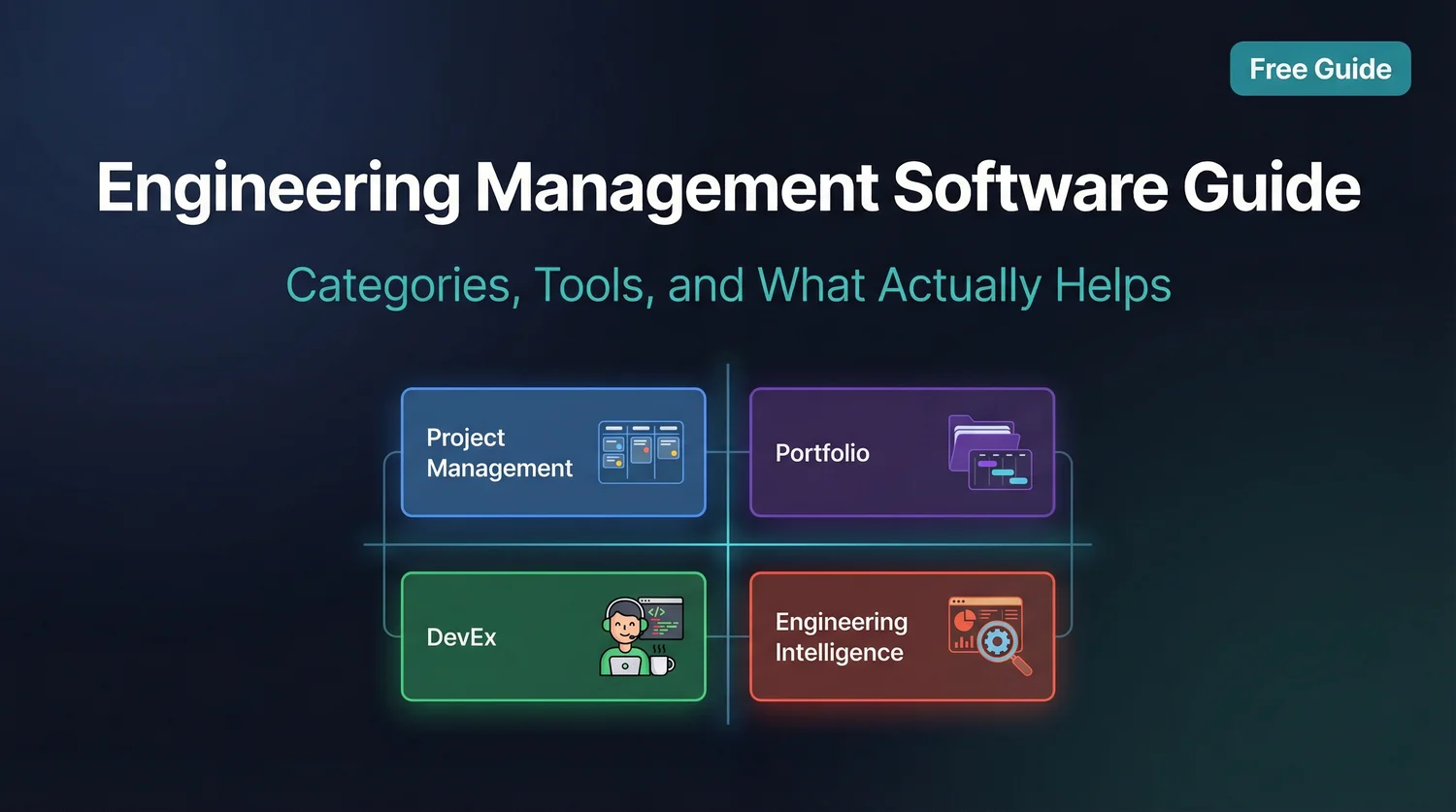
Engineering tools exist on two axes: team vs. executive focus, and process vs. people focus. Understanding where a tool sits helps you understand what it's actually for. Not sure which tools fit your needs? Try our productivity tool recommender for personalized suggestions.

Category 1: Project Management Tools
Project management tools help teams plan, track, and coordinate work. They're the most established category and the most crowded.
Key Players
- Jira: Enterprise standard, highly configurable, often over-configured
- Linear: Modern, fast, opinionated about workflow
- Shortcut: Balance of flexibility and structure for product teams
- Asana/Monday.com: General-purpose, less engineering-specific
What They Do Well
- Sprint/iteration planning
- Issue tracking and assignment
- Workflow visualization (kanban boards)
- Team coordination and communication
What They Don't Do
- Measure actual engineering performance
- Connect work to code (PRs, commits)
- Detect process bottlenecks automatically
- Provide engineering-specific insights
"Project management tools tell you what work is planned and what's in progress. Engineering intelligence tools tell you how work actually flows and where it gets stuck."
Category 2: Portfolio Management
Portfolio management tools provide executive visibility across multiple products, teams, and initiatives. They're built for VP+ audiences who need to understand strategic investment and resource allocation.
Key Players
- Aha!: Product roadmap and strategy management
- Productboard: Feature prioritization and customer insights
- Jira Align: Enterprise portfolio layer on top of Jira
What They Do Well
- Cross-team roadmap visibility
- Resource allocation across initiatives
- Strategic alignment and prioritization
- Executive reporting
What They Don't Do
- Measure engineering efficiency or quality
- Connect to actual development activity
- Help engineering managers improve teams
- Provide developer-level insights
Category 3: Developer Experience Platforms
Developer experience (DevEx) platforms focus on making developers more productive through better tooling, self-service, and reduced friction.
Key Players
- DX (getdx.com): Developer experience measurement platform
- Backstage: Open-source developer portal and catalog
- Port: Internal developer platform
What They Do Well
- Measure developer satisfaction
- Provide self-service tooling
- Service catalog and discovery
- Reduce friction in developer workflows
What They Don't Do
- Provide engineering metrics for leadership
- Track delivery performance
- Connect to business outcomes
- Support strategic decision-making
Category 4: Engineering Intelligence Platforms
Engineering intelligence platforms connect to your development systems (Git, GitHub, CI/CD) to provide metrics, insights, and analysis about engineering performance. This is where CodePulse fits.
Key Players
- Jellyfish: Enterprise engineering management platform
- LinearB: Workflow automation and metrics
- Pluralsight Flow: Developer productivity analytics
- Swarmia: Team productivity insights
- CodePulse: GitHub-native engineering analytics
What Engineering Intelligence Does
- DORA metrics and cycle time analysis
- PR and code review analytics
- Collaboration and knowledge distribution
- Bottleneck identification
- Team health indicators
Key Differentiators in This Category
Engineering intelligence platforms vary significantly in philosophy and approach:
| Dimension | Enterprise Focus | Team Focus |
|---|---|---|
| Primary User | VP/Director | Engineering Manager |
| Setup Time | Weeks/months | Minutes/hours |
| Pricing | Enterprise contracts | Self-serve, per-seat |
| Philosophy | Maximize visibility | Improve team outcomes |
Engineering Intelligence Without Enterprise Overhead
CodePulse provides GitHub-native analytics with 5-minute setup. Get cycle time, review patterns, and team health insights without enterprise sales cycles.
What Do You Actually Need?
The right category depends on your role and what problem you're solving:
"I need to plan and track sprints for my team"
→ Project Management (Jira, Linear, Shortcut)
"I need visibility across 10+ teams and initiatives"
→ Portfolio Management (Aha!, Productboard, Jira Align)
"I need to reduce friction in developer workflows"
→ Developer Experience (DX, Backstage, Port)
"I need to understand how my team is performing and improve"
→ Engineering Intelligence (CodePulse, LinearB, Swarmia)
Selection Criteria for Engineering Tools
When evaluating any engineering management tool, ask these questions:
1. What Problem Does It Actually Solve?
Be specific. "Better visibility" isn't a problem - it's a sales pitch. What decision will you make with this data that you can't make today?
2. Who Is It Built For?
Tools built for VPs have different design priorities than tools built for EMs. Neither is wrong, but mismatched expectations lead to disappointment.
3. What Data Sources Does It Connect To?
Engineering intelligence requires access to your actual systems: Git, GitHub, CI/CD, possibly Jira. Check integrations before assuming a tool will work with your stack.
4. What's the Implementation Cost?
Some tools take 5 minutes to set up. Others require weeks of configuration and consultant time. Factor in the total cost of implementation, not just licensing.
5. Does It Create Perverse Incentives?
Tools that surface individual productivity metrics can destroy team culture. Consider how the tool might be misused, not just how it's intended to be used.
Our Take
The best engineering tools make teams better, not just more visible. Before buying anything, ask: will this help my engineers ship better software, or will it just give me more dashboards? If the value proposition is primarily about executive reporting, question whether it's actually solving an engineering problem.
The Anti-Surveillance Principle
Some engineering management tools are effectively surveillance software. They track individual keystrokes, application usage, or create "productivity scores" for each engineer. These tools destroy trust and don't improve outcomes.
Red Flags to Watch For
- Individual "productivity scores" or rankings
- Time tracking at the minute level
- Application usage monitoring
- Screenshots or activity recording
- Metrics used in performance reviews
What Healthy Engineering Tools Do
- Focus on team-level patterns, not individual metrics
- Identify process bottlenecks, not "underperformers"
- Support improvement conversations, not punishment
- Let engineers see their own data
- Respect that valuable work isn't always visible
"Integration capabilities are critical - software for engineering teams should integrate seamlessly with existing tools like GitHub or Jira. Tools that lack integration options lead to miscommunication, poor planning, and inability to set clear goals."
ROI Considerations
Engineering tools represent meaningful spend. How do you evaluate ROI? To put a concrete number on what slow delivery and tooling gaps cost your team, work through our engineering ROI calculator before you compare price tags.
Measurable Returns
- Cycle time reduction: Faster delivery has direct business value
- Reduced firefighting: Less time on incidents, more on features
- Better planning: More accurate capacity and timeline estimates
- Retention: Teams with better tooling have lower turnover
Hidden Costs
- Implementation time: Weeks of setup eat into engineering capacity
- Context switching: Yet another tool to check and maintain
- Gaming: If metrics are misused, engineers will game them
- Culture damage: Surveillance-style tools hurt trust
Conclusion: Tools Support, Not Replace, Management
No tool will fix a dysfunctional team. Engineering management software can amplify good management and provide useful data, but it can't substitute for competent leadership, clear direction, and healthy culture.
Choose tools based on the specific problem you're solving. Be skeptical of tools that promise "visibility" without clear use cases. And remember: the best engineering teams often use surprisingly simple tooling well, rather than sophisticated tooling poorly.
Final Take
Start with the problem, not the category. If you're trying to improve cycle time, you need different tools than if you're trying to plan across 10 teams. The "best" engineering management software is the one that solves your specific problem without creating new ones.
Related Resources
- Engineering Analytics Tools Comparison
- LinearB Alternative: Why Teams Switch
- Jellyfish Alternative: Enterprise vs. Team Focus
- The Complete Guide to Engineering Metrics
Team-Focused Engineering Intelligence
CodePulse provides GitHub-native analytics built for engineering managers, not just executives. 5-minute setup, no enterprise sales cycle.
Read-only GitHub · Your code stays yours · Team-level by default · No credit card

Evaluate CodePulse against your own delivery history
A comparison table only goes so far. Connect read-only GitHub in about five minutes and judge the output on your repositories, at one flat price, with no per-seat math.
Read-only GitHub · Your code stays yours · Team-level by default · No credit card
See These Features in Action
Board-ready engineering performance in a single page.
Break down cycle time into coding, waiting, review, and merge phases.
Related Guides
Jellyfish vs LinearB vs Swarmia: Full 2026 Comparison
Compare Jellyfish, LinearB, Swarmia, Allstacks, Haystack and more engineering analytics tools. Features, pricing, cycle time benchmarks, and integrations.
5 LinearB Alternatives for 2026 (With Pricing)
An honest comparison of CodePulse vs LinearB. We tell you when to choose LinearB instead, because the best tool is the one that makes the right trade-offs for your situation.
7 Jellyfish Alternatives for 2026 (Honest Ranking)
Compare 7 Jellyfish alternatives including CodePulse, LinearB, Swarmia, and more. Honest pros, cons, pricing, and integration comparisons.
The Complete Guide to Engineering Metrics in 2026
Engineering metrics are everywhere, but most teams measure the wrong things. This guide covers what to measure, what to ignore, and how to build a metrics program that drives decisions - not just reports.